class: center, middle # High Performance Computing Jargon Buster [The HPC Carpentry Community](https://www.hpc-carpentry.org) ??? > Press `C` to open a "clone", then `P` to toggle Presentation Mode. HPC Carpentry is a community effort to develop educational materials in the pedagogical style of The Carpentries. The point of this presentation is to briefly introduce some scale-up options, so that learners get a sense of the variety of ways this can be done, and the source of some of the overloading of terminology that will be used later in the lesson. This non-interactive activity should be kept brief. --- # Your Personal Computer .center[ 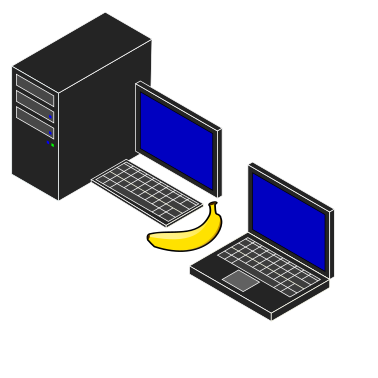 ] - Familiar starting point, accessed locally - Good for local computational tasks - Highly flexible, easy to reconfigure for new tasks ??? A laptop and a desktop computer: you sit at the keyboard & mouse and log in to the computer directly, often as the sole user. Good at performing local and personal tasks: familiar but limited resources. --- # Shared Computing Resources .center[ )](../fig/HPCCStuttgart_Hazel_Hen_XC40.png) ] <!-- Image: https://commons.wikimedia.org/wiki/File:High_Performance_Computing_Center_Stuttgart_HLRS_2015_07_Cray_XC40_Hazel_Hen_IO.jpg, Julian Herzog. --> - Large-scale computation is different - It has a rich history, and confusing terminology - Many terms overloaded ??? Computation at larger scales typically involves changes in how things are done, and connection to remote computer systems and transfer of data between systems. There are many ways to do it, and the terminology can be confusing. This presentation will step through some scale-up scenarios to help frame the problem. --- # A large computer .center[ 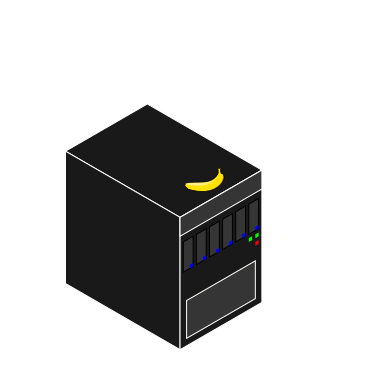 ] - More powerful "compute server" - Accessed remotely, likely shared by a small group - Less flexible — need to accommodate other users ??? First obvious way to scale, has more CPUs and memory, and more or faster storage. Typically shared, run commercial or open-source operating systems, may be called a "compute server". Typical tasks are operations of large user-facing programs, like scientific models or visualizations. --- # Cloud Systems .center[ 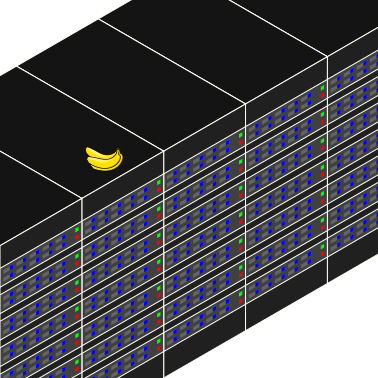 ] - Generally quite heterogeneous - Many types of servers ??? Cloud systems physically resemble clusters or supercomputers, but with greater heterogeneity among components, and less coupling, often without an interconnect at all. Cloud servers are generally accessed by connecting to their services over the network. Multiple virtual machines may reside on individual physical machines. Typical tasks are driven by user connections from the outside to the various "front end" services (e.g. websites) which pass traffic on to the "back end" servers (e.g. databases) to present results to users. --- # A cluster or supercomputer .center[ 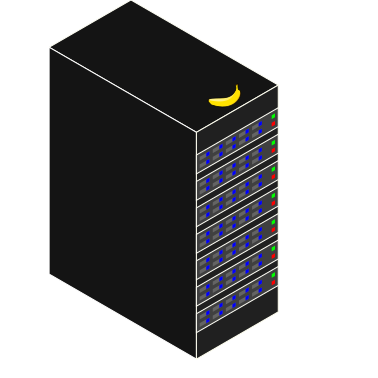 ] - Special "login node" or "head node" accessed remotely by users - Compute service accessed via resource manager - Some flexibility on local accounts - Specially-built software for best performance ??? A collection of standalone computers that are networked together. They will frequently have software installed that allow the coordinated running of other software across all of these computers. This allows these networked computers to work together to accomplish computing tasks faster. --- # A cluster node .center[ 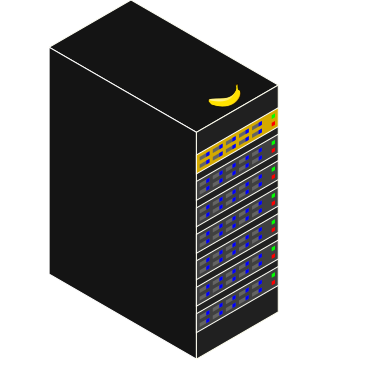 ] - A *node* is a single computer, part of a larger supercomputer - Cluster nodes can have one or more CPUs and accelerator cards - Cluster nodes are interconnected through a fast network - All CPUs of a node can potentially share the main memory --- # CPU vs. core - A core is the computational unit of a CPU - Pre-2000s most CPUs had a single core - Nowadays, most CPUs (even in your phone) has multiple cores - Different cores of the same CPU can make different calculations at the same time - The CPU can have multiple caches (hierarchies) - Some are local to a single core (L1), some may be shared by multiple cores (L2/L3) --- # Cache memory - Compared to the cores, access to main memory is slow - Cache memory is special fast memory on the CPU close to the core - Data in cache can be accessed much faster, but cache memory is much smaller - To be effective, data in cache memory needs to be reused multiple times --- # Accelerators .center[ 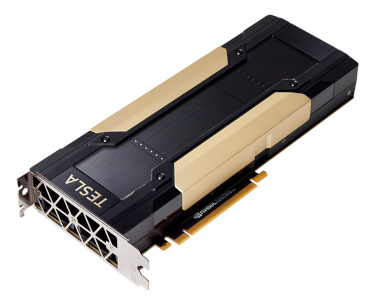 ] - Accelerators are extension cards to a node - Accelerators are special purpose for parallel computations - GPGPUs (General Purpose GPUs) dominate the market, but other exist - Accelerators are much faster in specific parallel computation - Lots of parallelism needed to harness GPU performance --- # CPU vs. GPU - CPU - optimized for low latencies - control logic for out-of-order and speculative execution - GPU - optimized for data-parallel throughput - suited for special kind of applications --- # HPC workflow .center[ 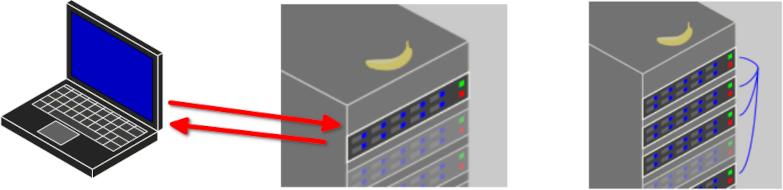 ] - You talk to the cluster head node - The cluster head node distributes compute tasks - You view results ??? In the usual HPC workflow, users do not communicate directly with compute nodes, but work through a scheduling system to distribute tasks.